 Coming soon to Google Play
Level & Compass
A bubble level and a compass that show how far you can trust each reading. Big, clear numbers, a vial drawn to scale, and nothing else on the screen.
What it does.
Everything below is in the app today. Nothing is promised for later.
Level
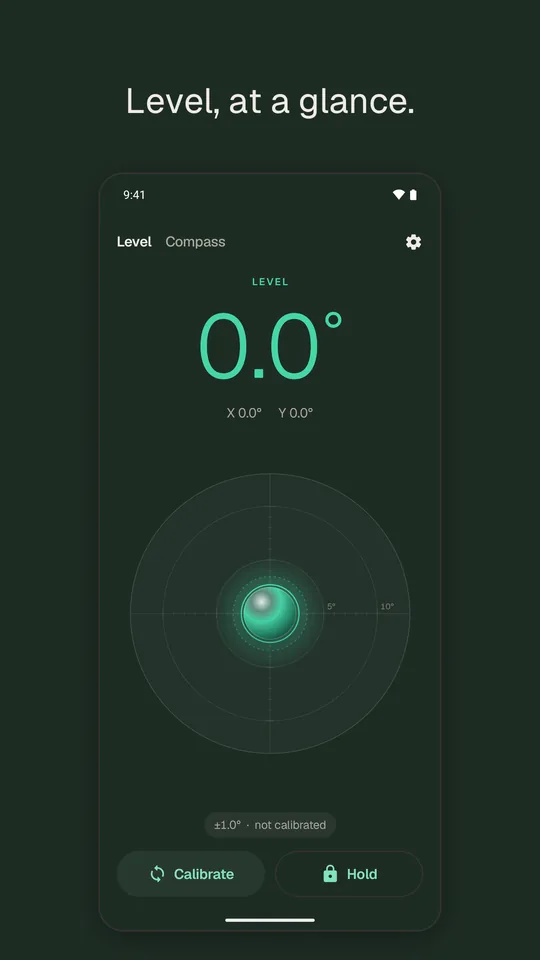
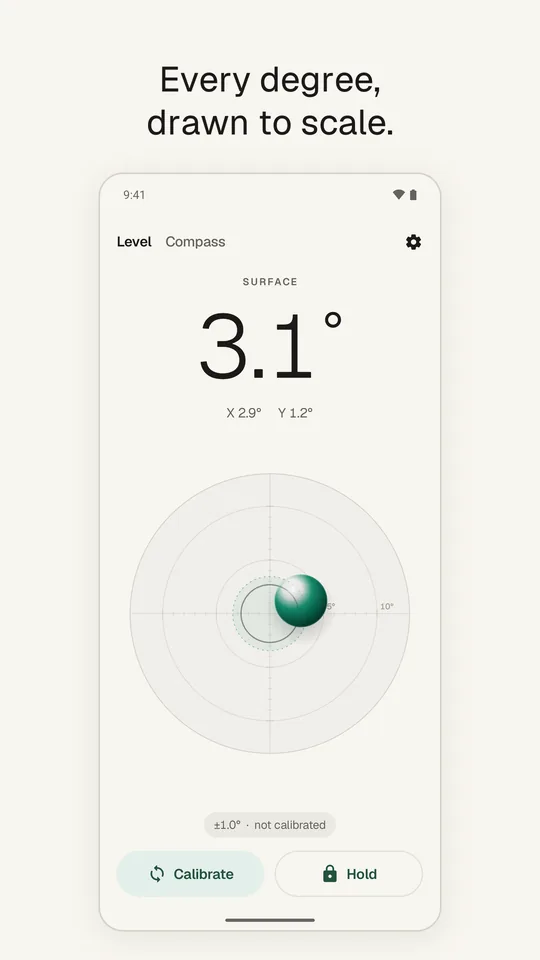
- Lay the phone flat: the bubble moves in a vial drawn true to scale, a tick for each degree.
- A dashed halo shows how accurate the reading is.
- When it is level, the whole screen glows and the phone gives a gentle tap.
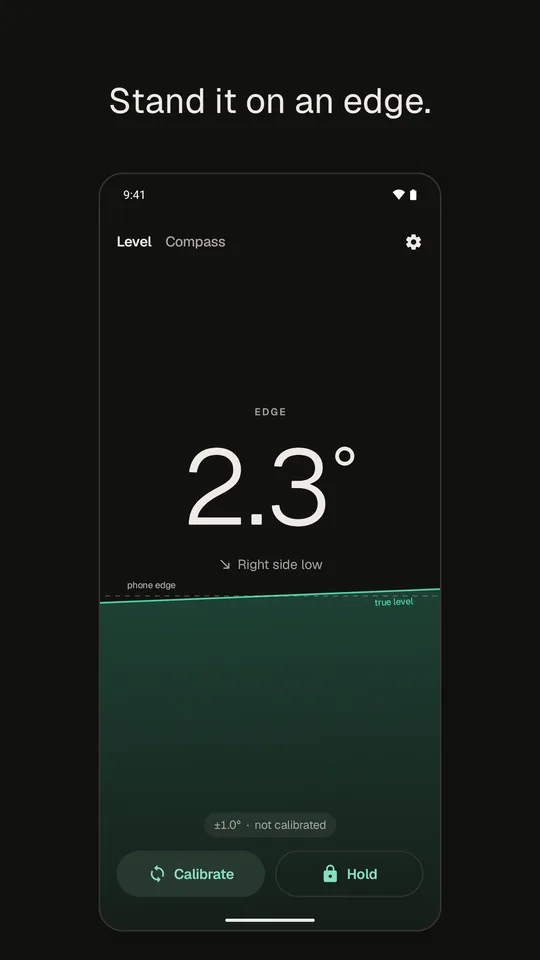
- Stand it on an edge: a liquid horizon and plain words, “Right side low”.
- Degrees or % slope. Hold to freeze a reading.
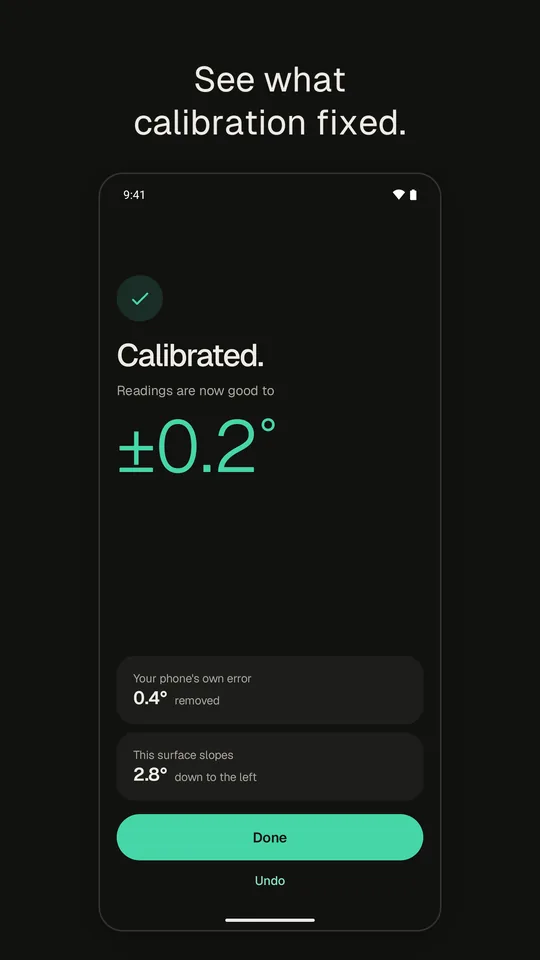
Flip calibration
- No phone sensor is perfect from the factory.
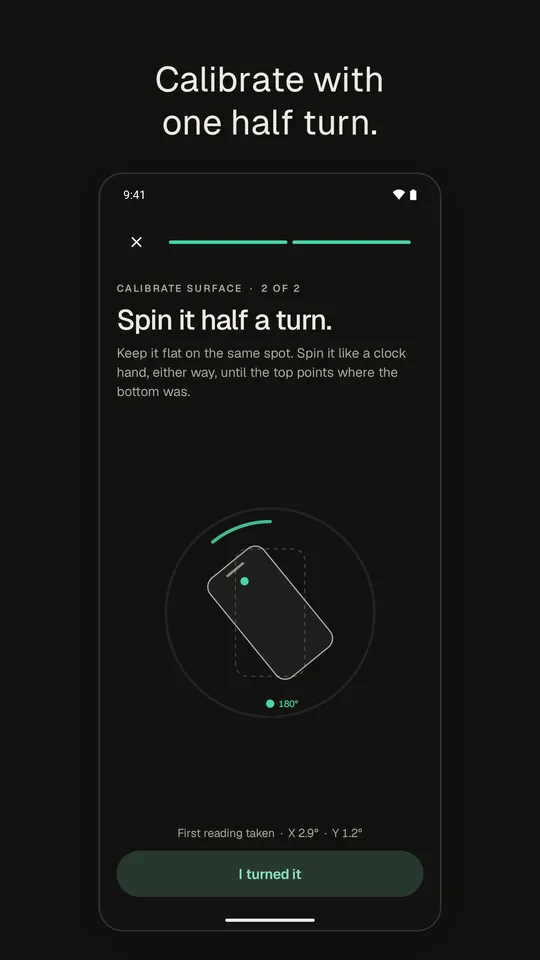
- Put the phone down on any flat spot, turn it half a turn, let go.
- On most phones the screen shows your turn, live, up to 180°.
- The result says how much error was removed, and which way your surface slopes. Undo if you like.
Compass
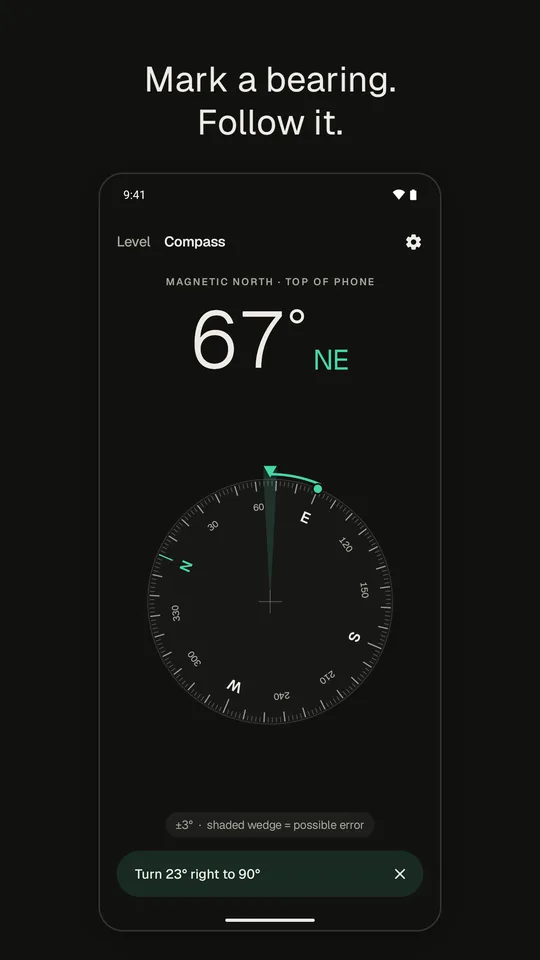
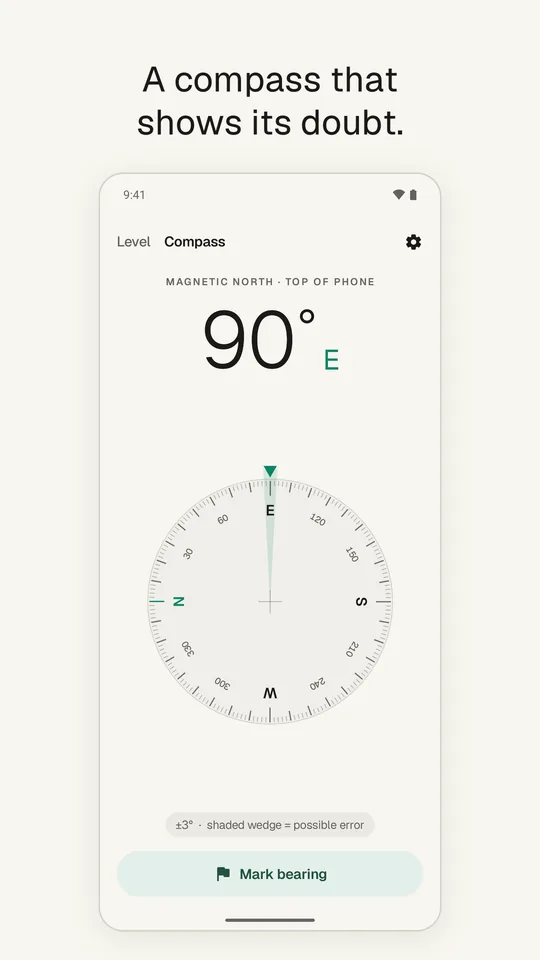
- A dial that turns the short way round, with a shaded wedge for the possible error.
- Mark a bearing and follow it: “Turn 24° right to 297°”.
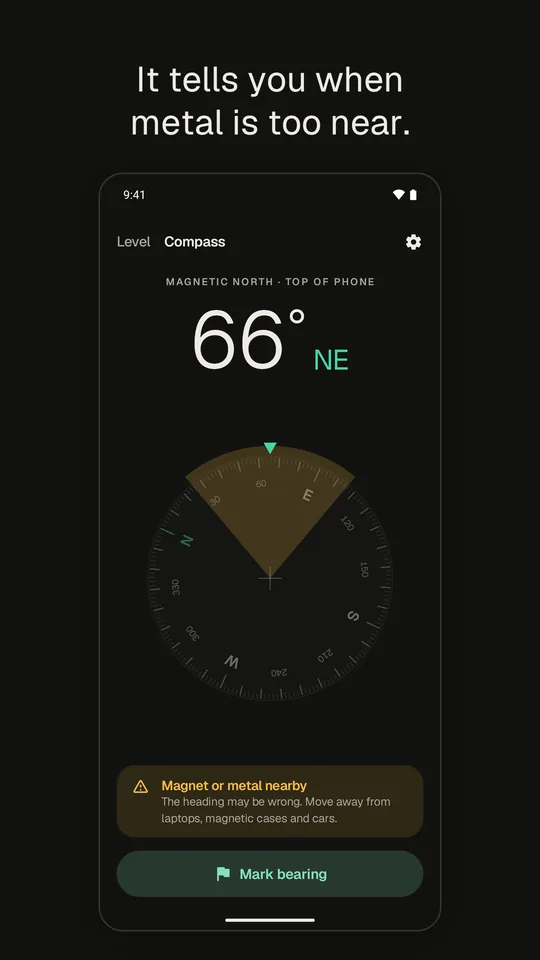
- Warns you when a magnet or metal nearby bends the reading.
- Works flat or upright.
Free, and Pro
- Free: everything above, with one small banner in Settings.
- Pro, one payment: no ad, true north from your rough location (read once, on the phone), five more colours.
- No account. No full-screen ads, ever.
Accuracy depends on your phone's sensors. Calibrate the level with the flip calibration, and keep the compass away from metal and magnets.